

TorrentDrive
A free app you run on your own server: it downloads torrents there and saves the files to Google Drive or S3, so your home connection stays out of it.
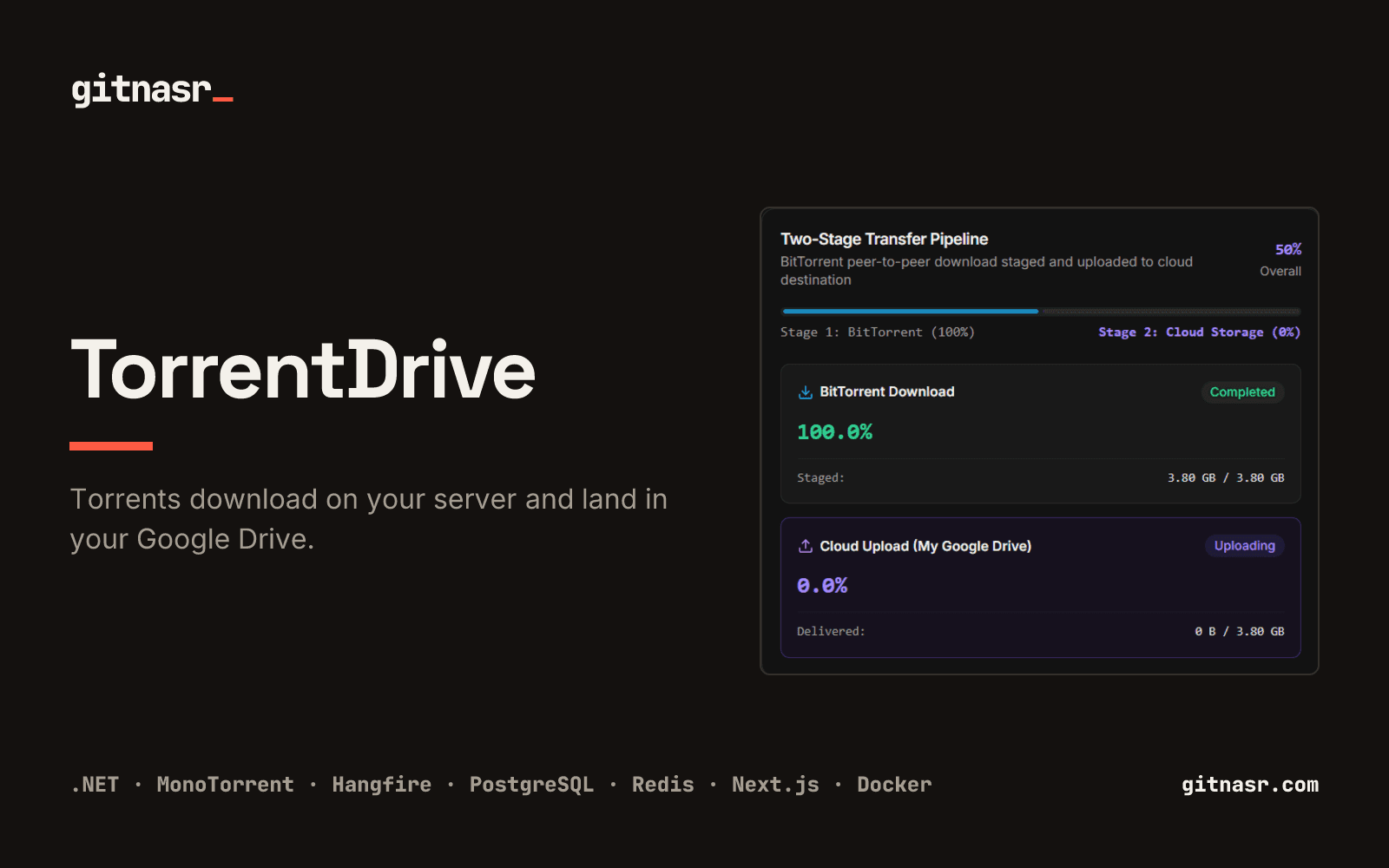
What it is
TorrentDrive is a free, open-source app (MIT license) that you install on your own server, a computer you rent online. You give it a torrent, it downloads the files on that server, and it saves them straight to your Google Drive or to S3 cloud storage. I wrote the code myself: the server side, the background workers and the dashboard.
The problem
When you download a torrent at home, your home connection joins a swarm: the public group of computers sharing that file. Your internet provider can see this, and in some countries it can lead to fines. TorrentDrive moves that work to a server. Your home connection only opens the dashboard, over the same encrypted connection (HTTPS) as any website. The server's own address still takes part in the swarm, so where you host it matters.
How it works
You install it with one command. In the dashboard you upload a torrent file (a small file that describes what to download), then pick only the files you want and where they should go. A worker, a program that runs in the background on the server, downloads them. A second worker uploads them to Google Drive or S3; if the server restarts in the middle of an upload, it picks up where it stopped. The dashboard refreshes the progress every few seconds.
Under the hood
- One package, one command. The dashboard, the server, the workers, the database (PostgreSQL) and the cache (Redis) all run in one Docker container, a single package that runs the same on any server. A split setup also exists for hosting platforms.
- A separate queue for each job. Downloading, uploading to Drive and uploading to S3 are separate background jobs, so each one can be given more power on its own.
Built with
.NET 9, MonoTorrent (the torrent engine), Hangfire (job queues), PostgreSQL, Redis, Next.js, Docker, the Google Drive API and the AWS S3 SDK.